Using the keyboard shortcut Ctrl + A (Windows) or Cmd + A (Mac) within the user assignment interface makes it possible to add all members of a room to the following items with a single action, regardless of their role:
To apply this shortcut, open the desired item. Selecting the "+" icon under Assigned (for tasks and subtasks) or Attendees (for events) displays the list of available users. (If a text field is currently focused, the shortcut selects the text. Otherwise, all room members are added to the item.)
Tip: The assignment cannot be reversed in one step. It is recommended to test the shortcut in a demo room before using it in a productive environment.
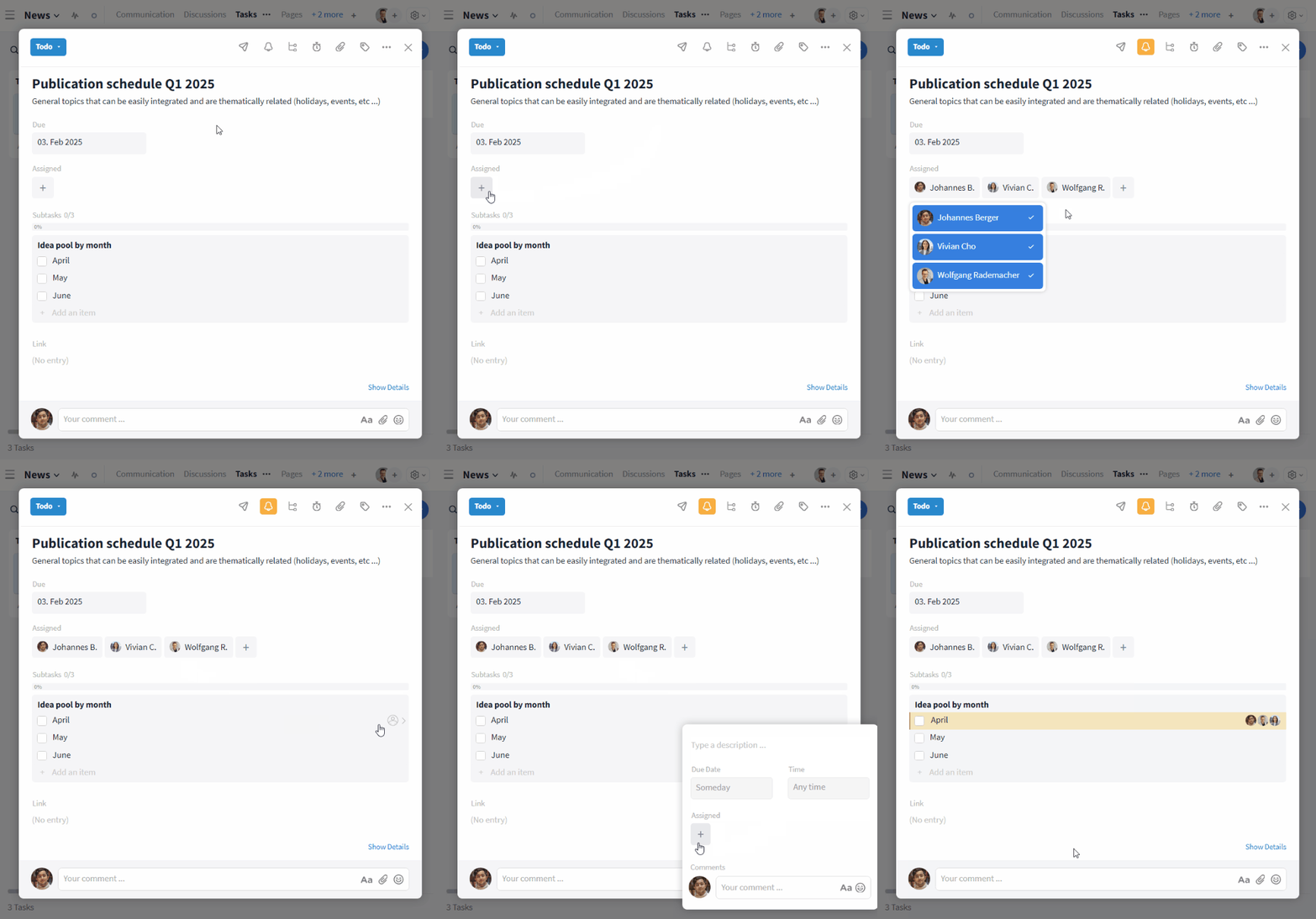
Assigning all room members at once to a task or subtask
For appointments, additional options are available: members can be added via the "Invite all" button and teams can be selected as well.